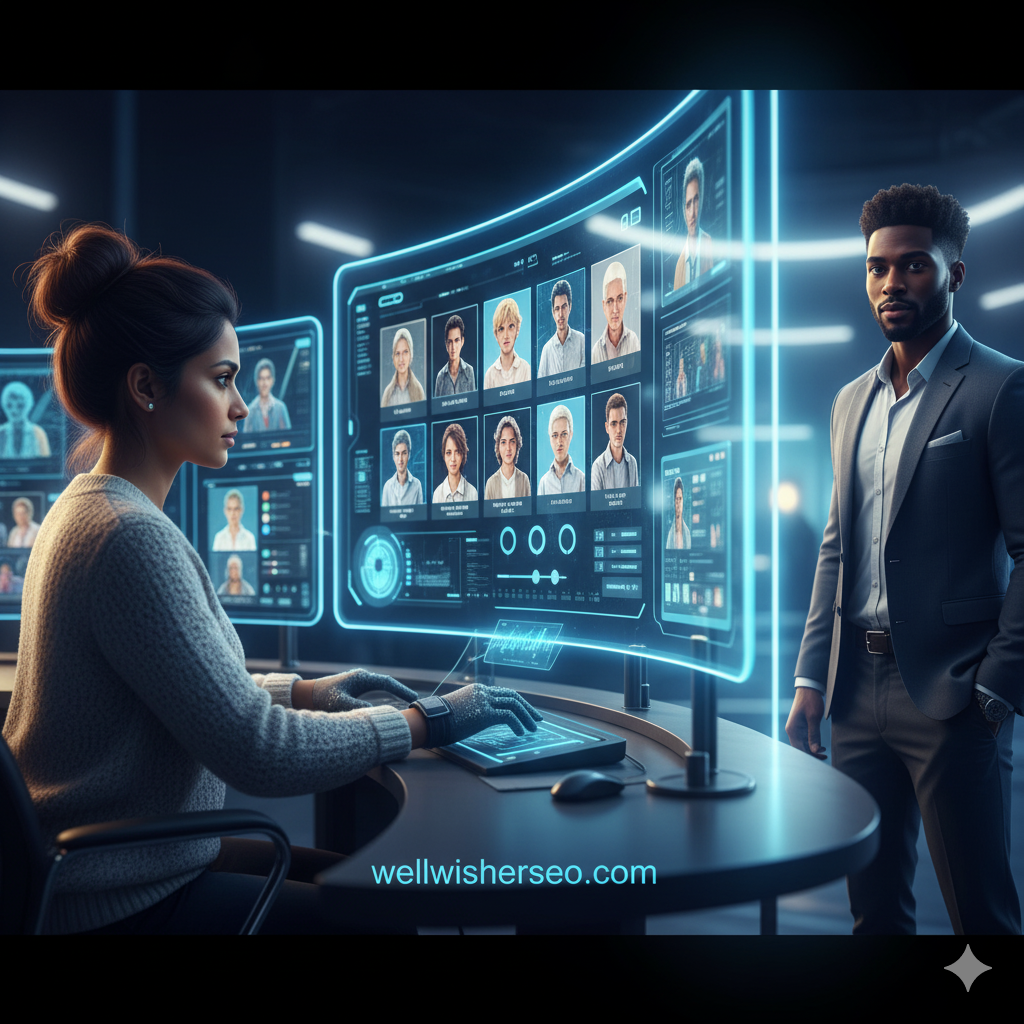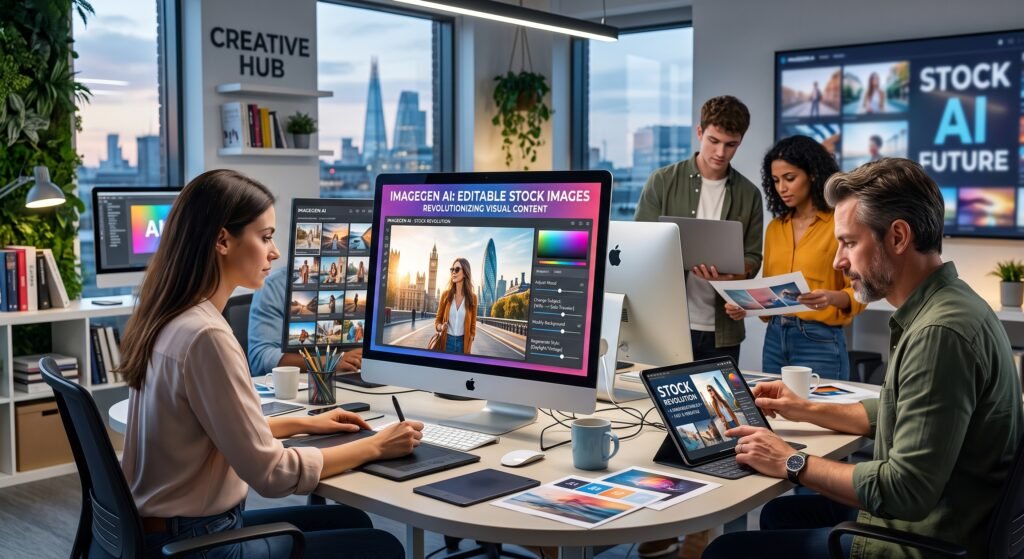
In the fast-paced digital world, visual content is the currency of engagement. For decades, creators have relied on static stock photography generic images that often fail to capture specific brand nuances. Enter AI editable stock images, a transformative technology that is redefining how we source, customize, and utilize visual assets. Unlike traditional JPEGs that are “set in stone,” these intelligent visuals allow for real-time modification, from changing a model’s clothing color to expanding the background.
This shift is not just about convenience; it is about reclaiming creative control. Whether you are a digital marketer, a web designer, or a business owner, understanding AI editable stock images is crucial for staying competitive. This article explores how this technology works, the tools you need, and why it is the future of digital storytelling.
What Are AI Editable Stock Images?
AI editable stock images differ fundamentally from the flat image files we are used to. They are not just static pixels; they are generated or enhanced by neural networks that understand the “semantics” of the image. This means the AI knows that a “cat” is distinct from the “sofa” it sits on, allowing users to modify individual elements without destroying the rest of the image.
This technology bridges the gap between expensive custom photography and generic stock photos. It offers a “middle ground” where you can start with a base image and tweak it to perfection.
- Dynamic Elements: Objects can be moved, resized, or swapped.
- Context Awareness: Lighting and shadows adjust automatically when changes are made.
- Infinite Variations: Generate dozens of versions of the same concept instantly.
The Shift from Static to Dynamic Imagery
The evolution of stock photography has been stagnant for years, characterized by the “staged” look that savvy internet users now ignore. AI editable stock images represent a paradigm shift from “hunting” for the perfect photo to “creating” it.
Previously, if a stock photo had a blue background but your brand color was red, you had to rely on a Photoshop expert. Now, dynamic imagery allows for instantaneous adaptation, making visual assets fluid rather than fixed.
- Reduced Search Time: Stop scrolling through thousands of irrelevant photos.
- Higher Relevance: Tailor images to specific campaign needs immediately.
- Engagement Boost: Unique visuals capture attention better than overused stock.
How Generative AI Enables Real-Time Editing
The magic behind AI editable stock images lies in Generative Adversarial Networks (GANs) and diffusion models. These algorithms don’t just “paste” new pixels; they “dream” them up based on the surrounding context.
When you ask an AI tool to “remove the glasses” from a model, the AI analyzes the skin texture, lighting, and facial structure to fill in the gap realistically. This capability is known as “inpainting” and “outpainting.”
- Inpainting: Editing inside the image borders (e.g., changing a shirt).
- Outpainting: Extending the image beyond its original borders.
- Style Transfer: Applying a specific artistic style to a photorealistic image.
Top Tools for Creating AI Editable Stock Images
To leverage AI editable stock images, you need the right software stack. The market is flooded with tools, but a few stand out for their ability to offer true editability and high-quality output.
Adobe Firefly and Canva’s Magic Studio are currently leading the charge for mainstream users, while Midjourney offers high-end artistic control for those willing to learn prompting.
- Adobe Firefly: Best for seamless integration with Photoshop and ethical sourcing.
- Canva Magic Edit: User-friendly choice for social media managers.
- Midjourney (V6): Unmatched photorealism and artistic texture.
- Leonardo.ai: Excellent for creating consistent game assets and distinct styles.
Why Digital Marketers Are Switching to AI Stock
For marketers, AI editable stock images are a game-changer for A/B testing. Instead of licensing five different photos to see which performs best, a marketer can generate one base image and tweak the variables emotion, lighting, or background to test audience response.
This agility allows for “micro-targeting.” You can show a snowy background to customers in Canada and a sunny beach to customers in Florida using the same base visual.
- Hyper-Personalization: Tailor visuals to user demographics.
- Speed to Market: Launch campaigns in minutes, not days.
- Brand Consistency: Ensure all visuals match the exact brand color palette.
Cost Comparison: AI vs. Traditional Photography
Budget constraints often limit the quality of visual content. Traditional photoshoots are expensive, involving model fees, location rentals, and photographer rates. AI editable stock images democratize high-end visuals.
While premium stock subscriptions can cost hundreds of dollars a month, AI tools often operate on a cheaper credit system or a flat monthly fee, offering significant savings.
- Traditional Shoot: $2,000 – $10,000+ per session.
- Premium Stock Subscription: $30 – $500 per image.
- AI Generation: $0.05 – $0.20 per image generation.
Customizing Brand Identity with AI Edits
One of the biggest pain points with traditional stock is that it looks generic. AI editable stock images solve this by allowing deep customization that aligns with brand identity guidelines.
You can take a standard corporate meeting photo and use AI to change the accent colors in the room to your brand’s hex code. This subtle alignment builds subconscious brand recognition.
- Color Matching: Sync image palettes with logo colors.
- Tone Adjustment: Shift the mood from “corporate cool” to “warm startup.”
- Logo Integration: Naturally place logos on objects within the scene.
The Role of Prompt Engineering in Stock Customization
To get the most out of AI editable stock images, one must master “prompt engineering.” This is the skill of describing the visual result you want in a way the AI understands.
A vague prompt yields vague results. Specificity regarding lighting, camera angle, and texture is key. For editing, “negative prompts” (telling the AI what not to include) are equally important.
- Subject Clarity: Define who or what is the focus immediately.
- Stylistic Descriptors: Use terms like “cinematic lighting,” “4k,” or “macro lens.”
- Iterative Refinement: Edit the prompt in stages to refine the output.
Navigating Copyright and Licensing Laws
The legal landscape surrounding AI editable stock images is complex and evolving. Currently, the US Copyright Office states that purely AI-generated work cannot be copyrighted. However, stock libraries that offer AI tools often provide specific commercial licenses.
It is vital to read the Terms of Service (ToS) of the platform you use. Some “free” tools do not grant commercial usage rights, which could leave you vulnerable to legal action.
- Public Domain: Many AI images fall here, meaning anyone can use them.
- Commercial Licenses: Paid tools often guarantee safe commercial use.
- Indemnification: Enterprise tools like Adobe Firefly offer legal protection.
Ethical Considerations in AI Image Generation
As we embrace AI editable stock images, we must address the ethical implications. This includes the potential for deepfakes, bias in training data, and the displacement of human artists.
Responsible use involves being transparent about AI usage where necessary and avoiding the creation of misleading or harmful imagery. We must also acknowledge the bias inherent in AI models (e.g., assuming a “doctor” is always male).
- Bias Mitigation: Actively prompt for diversity in gender and ethnicity.
- Transparency: Label AI-generated content when used in news or journalism.
- Artist Rights: Support platforms that compensate artists for training data.
Improving Website SEO with Unique AI Visuals
Google values unique content, and this applies to images too. Using the same stock photo as a thousand other sites can hurt your SEO. AI editable stock images allow you to create 100% unique visuals that Google’s algorithm has never seen before.
Furthermore, you can generate images that perfectly match your article’s context, leading to longer dwell times and lower bounce rates key metrics for ranking.
- Unique Alt Text: Describe specific details unique to your AI image.
- Image Uniqueness: Avoid duplicate content penalties.
- Engagement Signals: Unique visuals keep users on the page longer.
Case Study: E-commerce Conversion Boost
Let’s look at a hypothetical case study of an online furniture retailer. By switching to AI editable stock images, they were able to showcase a single sofa in 20 different living room aesthetics (Boho, Industrial, Minimalist) without a physical photoshoot.
This relevance led to a drastic increase in conversion rates because customers could visualize the product in their own specific home style.
- Challenge: High cost of photographing furniture in multiple sets.
- Solution: AI outpainting to change room backgrounds.
- Result: 40% increase in click-through rates (CTR) on product pages.
How to Integrate AI Images into Your Workflow
Integrating AI editable stock images into a professional workflow requires a structured approach. It shouldn’t be a chaotic experiment but a standard operating procedure.
Start by defining the “base concept” and then use AI for variations. Ensure your design team has access to the necessary tools and understands the brand guidelines for AI outputs.
- Ideation Phase: Use AI for rapid storyboarding.
- Creation Phase: Generate high-res base assets.
- Refinement Phase: Use Photoshop/Firefly for specific edits.
Overcoming Common Quality Issues
Early AI images were plagued by “hallucinations” six fingers, weird eyes, and floating objects. While AI editable stock images have improved, quality control is still essential.
Users must learn to spot these artifacts and use “inpainting” to fix them. Never publish an AI image raw; always review it at 100% zoom to ensure professional standards.
- Hand Correction: Use specific inpainting to fix distorted fingers.
- Text Removal: AI struggles with text; remove gibberish via editing.
- Upscaling: Use AI upscalers to ensure print-ready resolution.
The Future of Stock Photography: 2026 and Beyond
The future of AI editable stock images points toward “video-to-video” editing and 3D integration. Soon, we won’t just edit static 2D images; we will edit fully immersive 3D environments and stock video clips with the same ease.
We can expect stock libraries to become “generative engines” rather than static repositories. You won’t search for an image; you will prompt the library to build it for you.
- Video Generation: AI stock video will become mainstream.
- 3D Assets: Seamless generation of 3D models for VR/AR.
- Real-Time Generation: Instant creation inside web browsers.
Comparison: AI vs. Traditional Stock
To summarize the differences, here is a comparison between using AI editable stock images and traditional stock photography.
| Feature | Traditional Stock Photography | AI Editable Stock Images |
| Customizability | Low (Requires heavy Photoshop) | High (Native real-time editing) |
| Cost | Medium to High ($10-$500) | Low ($0.10-$20/mo) |
| Uniqueness | Low (Used by many) | High (Generated uniquely) |
| Speed | Fast (Download instant) | Medium (Prompting takes time) |
| Legal Safety | High (Clear model releases) | Varies (Check platform terms) |
Impact on Graphic Design Jobs
There is a fear that AI editable stock images will replace graphic designers. In reality, it shifts the role. Designers are moving from “pixel pushers” to “creative directors.”
The tedious work of masking hair or extending backgrounds is now automated, freeing designers to focus on high-level strategy, typography, and composition.
- Skill Shift: From manual masking to prompt engineering.
- Efficiency: Accomplish 10x more work in the same time.
- Value Add: Focus on strategy over execution.
Best Practices for High-Converting AI Visuals
To ensure your AI editable stock images actually convert, you need to follow design principles. Just because an image is AI-generated doesn’t mean it’s good art. Composition, lighting, and color theory still apply.
Always aim for a natural look. Over-processed, “plastic” looking AI images can decrease trust. The goal is for the user not to know it is AI.
- Natural Lighting: Avoid hyper-dramatic lighting for standard business use.
- Human Touch: Add grain or noise to reduce the “smooth” AI look.
- A/B Test: Always test your AI visuals against real photos.
Frequently Asked Questions
Are AI editable stock images free to use for commercial projects?
It depends on the platform. Tools like Midjourney and Adobe Firefly offer commercial rights to paid subscribers. However, images generated on free trial tiers often have restrictions. Always check the specific license agreement before using AI editable stock images in client work or ads.
Can I copyright an image I created with AI?
Under current US law, you generally cannot copyright an image that is 100% generated by AI. However, if you significantly modify the image using human creativity (like Photoshop editing), you may be able to copyright the human-created elements.
What is the best resolution for AI stock images?
Most AI generators default to around 1024×1024 pixels, which is too small for print. You should use “upscaling” tools (often built-in or external like Topaz Gigapixel) to increase the resolution to 4k or higher for professional use.
How do I fix “weird hands” in AI images?
This is a common issue. The best solution is to use the “inpainting” or “vary region” feature found in tools like Midjourney or Photoshop. Select the hand area and prompt the AI specifically to “draw a realistic hand” until you get a good result.
Will Google penalize my site for using AI images?
No, Google does not penalize content just for being AI-generated. Google cares about quality and user value. If your AI editable stock images are high-quality, relevant, and load quickly, they can actually help your SEO.
Can AI generate text inside the images correctly?
Newer models like DALL-E 3 and Ideogram are getting better at rendering text, but it is still hit-or-miss. For professional results, it is usually better to generate the image without text and add the typography later using design software like Canva or Illustrator.
What is the difference between Generative Fill and AI Stock?
Generative Fill (like in Photoshop) is a feature used to edit an existing image. AI Stock refers to generating a brand new image from scratch. AI editable stock images often combine both generating a base image and then using Generative Fill to refine it.
Conclusion
AI editable stock images are not just a fleeting trend; they represent the next standard in visual content creation. By offering a blend of speed, affordability, and unprecedented customization, they empower creators to bypass the limitations of traditional media. Whether you are looking to scale your marketing efforts, reduce costs, or simply find that “impossible” image, this technology provides the solution.
The barrier to entry is lower than ever. To stay ahead, start experimenting with tools like Adobe Firefly or Midjourney today. Don’t settle for generic visuals embrace the power of AI to create imagery that is as unique and dynamic as your brand.